
Screen Time Controls
Set daily limits, build homework-first schedules, and pause the internet instantly when dinner's ready.
Learn moreSage Haven puts screen-time limits, content filters, and digital-literacy tools in the palm of your hand — built for families who want balance, not battles.
14-day free trial No credit card required COPPA compliant Cancel anytime
Raising kids in a connected world is one of the hardest parts of modern parenting. You want to give them freedom to learn, create, and connect — but the internet doesn't always make that easy.
Sage Haven is designed to help you set thoughtful boundaries without turning into a round-the-clock monitor. Less anxiety, more trust.
For Parents
Four thoughtful tools that work together to keep your kids safer online while helping them grow into confident digital citizens.
Set daily limits, build homework-first schedules, and pause the internet instantly when dinner's ready.
Learn moreBlock age-inappropriate content across 14 categories. Set it once — it works across all apps and browsers.
Learn moreA calm weekly digest shows you what your kids are doing online — without becoming a surveillance feed.
Learn moreAge-appropriate lessons help kids understand why some content is off-limits — building judgment, not just barriers.
Learn moreNo router installation. No hardware. Just a few taps to protect every device in your home.
Install the Sage Haven app on your phone and your child's device. Available on the App Store and Google Play.
Add each child and set age-appropriate defaults. Sage Haven pre-configures recommended settings for their age group.
Customize screen time schedules and content filters. Your weekly report arrives automatically — no micromanaging needed.
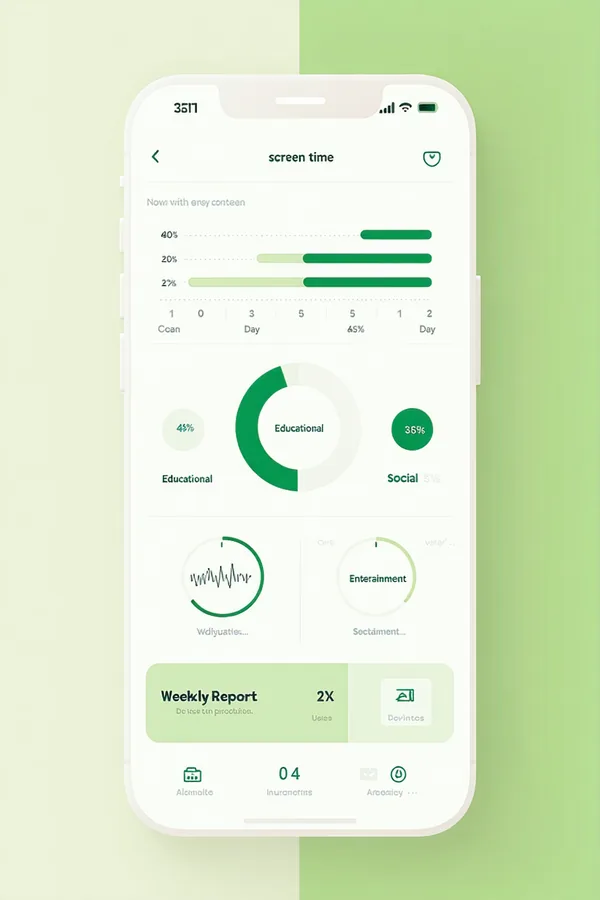
Sage Haven's activity reports give you a weekly digest, not a minute-by-minute log. You'll know if something needs attention without turning into a full-time monitor.
See How Reporting Works"Finally a screen-time app that doesn't make me feel like I'm spying on my kids. The weekly digest is exactly what I needed."
"The content filter setup took 5 minutes. I love that there's an age-by-age guide built right in."
"The digital literacy curriculum is what sets Sage Haven apart. My daughter actually learned why some sites are off-limits."
Sage Haven includes a Digital Literacy Curriculum — age-appropriate lessons that explain online safety, critical thinking, and healthy tech habits. Kids complete short interactive lessons and earn badges.
No surprise fees, no tiered surveillance. Start free and choose the plan that fits your family's size.
Or $5.99/mo billed annually
Up to 3 child devices
Or $9.99/mo billed annually
Up to 6 child devices
Give your kids the internet — with the boundaries that keep them safe and help them grow.
Try Free for 14 DaysNo credit card needed. Cancel anytime.