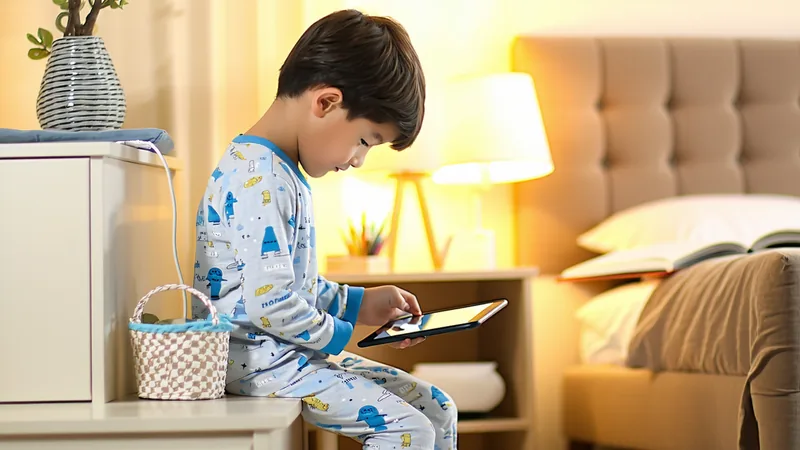
The moment school ends, screen time doubles. Maybe triples. This isn't a parenting failure — it's physics. Kids have 8 more hours per day without structured activity, the summer heat keeps them inside, and "one more episode" has no homework to compete with. For most families, the screen time that felt manageable in March quietly becomes the dominant feature of July.
Summer doesn't have to be a screen-time free-for-all, but it also doesn't have to be a battle. The families that come out of summer with their sanity intact — and their children's habits reasonably intact — tend to plan ahead rather than react. Here's a practical approach that takes the research seriously without turning your household into a digital boot camp.
Why Summer Is Different (Not Just Longer)
Summer break doesn't just add hours to the day — it changes the social and emotional context in which screens are used. During the school year, screen time is often a decompression tool after a structured day: legitimate and healthy in moderation. In summer, screens can become a default — the thing kids reach for because nothing else has been arranged, or because the air conditioning and YouTube are easier than organizing an outdoor activity.
The AAP notes that children's screen time tends to spike significantly during unstructured periods, and that the content quality and context of use deteriorate in those same periods. Put plainly: kids don't naturally reach for educational content when left to their own devices in July. They reach for Roblox, YouTube recommendation spirals, and increasingly, short-form video on platforms designed to make the next video start automatically.
Understanding this distinction helps you design around it rather than just fighting individual instances. The goal isn't to impose school-year rules on summer — summer is legitimately different, and kids deserve genuine downtime. The goal is to keep screens as one choice among many, not the default when nothing else has been planned.
The Summer Media Plan: A Week-One Conversation
The single most effective thing most families can do is have one explicit conversation at the start of summer about how screen time is going to work. Not a lecture — a negotiation. Kids are remarkably receptive to this when they feel heard, and the agreements made in week one are far easier to maintain than rules imposed after a month of drift.
Here's a framework for that conversation, adaptable by age:
"Summer is different from school time, so we're going to have different rules. You get more screen time than during the school year — that's fair, it's summer. But here's what I want us to agree on: mornings are screen-free until [lunch / 10am / whatever works for your family], so we actually wake up and do things. After that, you have some free time for screens. And we keep the same bedtime rule about phones in the kitchen overnight. Does that work? What would you change?"
The specifics matter less than the process. A 10-year-old who helped set the summer rules will push back less on enforcing them. A 13-year-old who was given no input will look for every loophole.
Morning Screen-Free Time: The One Rule That Pays Off
If you implement one structural change for summer, make it this: no screens for the first 1–2 hours of the day. This isn't punitive — it's developmental. Research on adolescent and child brain function consistently shows that the first hour after waking is one of the most valuable for unstructured thinking, creativity, and mood regulation. Starting that time with a phone or TV changes the trajectory of the whole day.
In practice: phones charge in the kitchen or parents' room overnight, and that doesn't change at 7am just because school is out. The family has breakfast without devices. Kids might be bored. That's fine — boredom is genuinely valuable, and children who can tolerate it develop more creative self-direction over time.
For younger children (6–10), this is usually easy to implement if you present it as a clear rule rather than a negotiation. For older kids, especially teenagers, some explanation helps: "Reaching for your phone first thing rewires your brain to expect constant stimulation. I know that sounds weird, but try a week of morning screen-free time and see if you feel different."
Activity Substitution Is More Effective Than Restriction
Here's something the research is pretty clear on: telling kids to stop using screens without providing genuinely engaging alternatives doesn't work. It just creates frustration. Kids aren't drawn to screens because screens are evil — they're drawn to screens because screens are stimulating, social, and always available. The competition has to be real.
This means summer planning includes activity planning: camps, library programs, sports, art projects, cooking, building projects — whatever your specific child finds absorbing. It also means making lower-effort alternatives genuinely accessible. A stack of appealing books, art supplies in a visible location, bikes that are easy to get out, neighborhood friends they're encouraged to text (yes, using a phone) to make plans — these compete with screens because they're real options, not aspirational ones.
We're not saying every moment needs to be organized or enriching. Genuine unstructured time — the kind where a child is bored and has to figure out what to do — is valuable too. But there's a difference between productive boredom and a child spending six hours watching YouTube because nobody ever suggested an alternative.
Gaming in Summer: Setting Structure Without a Ban
Summer is often when gaming really expands — especially for kids 8 and older. Minecraft, Roblox, and other games that kids play with school friends become extended social time during the break. There's a real question of how to structure this without being the parent who banned gaming and is now despised by every 11-year-old in the neighborhood.
A few approaches that work well in practice: time-boxing rather than banning (an hour of gaming in the afternoon is fine; all-day gaming is not), activity-first gating (gaming after you've done something physical today), and social context awareness (gaming with friends online is different from solo passive consumption and doesn't need to be treated identically).
It's also worth knowing what your child is actually doing in those games. Roblox includes user-generated content of wildly varying quality, and its chat features have been a concern for parents — not because Roblox is dangerous, but because unmonitored chat in any platform with strangers warrants some parental awareness. A quick "what are you building?" or "who are you playing with?" goes a long way without feeling like surveillance.
When Screen Time Habits Slip Mid-Summer
Almost every family hits a point mid-July when the agreed-upon summer plan has quietly dissolved. The morning rule isn't being kept. The daily gaming limit somehow became five hours. This is normal, not failure, and it doesn't require a dramatic reset.
A simple family check-in — "Let's look at how we're doing with our summer plan" — re-establishes expectations without accusation. Frame it as a scheduled review, not a confrontation. "We said we'd check in partway through summer, and here we are. What's working? What's gotten hard? What do we want to adjust for the second half?" This models exactly the kind of self-regulation you're trying to teach — you're not perfectly consistent, either, and that's okay; you adjust and try again.
The children who come out of summer with genuinely healthy tech habits aren't the ones who were most restricted. They're the ones who had parents willing to revisit, adjust, and keep talking — making digital life a normal family conversation rather than a constant battleground.